How to Turn Side Jobs Into a Real Home Services Business
A practical guide for service pros who are ready to turn weekend jobs, referrals, and side work into a real business with a website, domain, phone, email, and local online foundation.

A lot of home services businesses don't start with an office, or even a website.
They start with side jobs.
A neighbor asks if you can help. A friend refers you. Someone from work asks if you do jobs on the weekend. Before long, you're fixing, installing, repairing, cleaning, building, or maintaining things for people who already trust you.
At some point, the big question changes.
It's no longer:
Can I do the work?
Instead it becomes:
How do I turn this thing into a real business?
And that's where a lot of service pros get stuck.
Not because they lack the skills. Not because customers don't need the work, and not because the opportunity isn't there.
They get stuck because getting set up feels like a maze.
Website. Domain. Phone. Email. Hosting. Google Business Profile. Local SEO. Call tracking.
And when they reach out for help, they're happily greeted by agencies who quote 5-figure setup fees, monthly retainers, and 3-weeks for a "mockup".
That's why we built SPDFY.
It's not that agencies don't deliver value. Many do. The problem is that, until now, young businesses have been stuck with the choice between paying agency prices or spending weeks, even months, learning how to do everything themselves.
Most service pros don't want to spend the next half-year learning to build a proper website and learning how to set up and manage their online business infrastructure.
With SPDFY, you don't need to.
And you don't need to pay the agency toll either.
In about 5 minutes from start to finish, a service pro can be set up online with everything they need to be discovered by customers. Everything needed to get their business listed in Google Maps & Bing Places. Discoverable (and recommendable) by AI agents and search engines.
Website. Domain. Phone. Email. Hosting. Local SEO. Call tracking.
All in one place and for $0 setup cost and only $97/mo.
Are you ready?
Step 1. Getting started with SPDFY
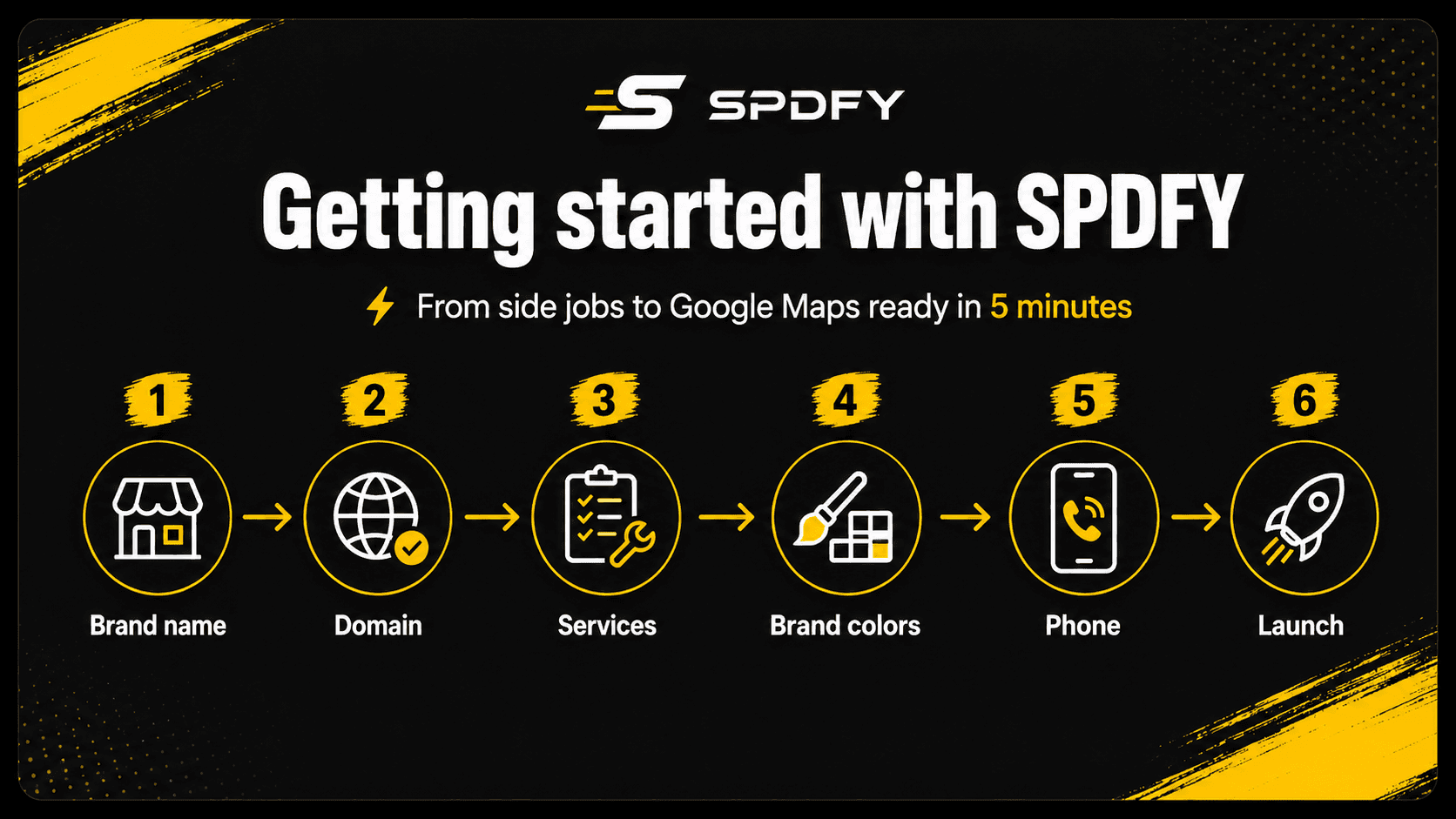
A) Name your brand
Your business name doesn't need to be perfect, but it helps if it's clear, professional, and easy to remember.
A good home services business name usually does three things:
- It sounds trustworthy
- It gives a hint about what you do
- It works well as a domain name
For example, if you're starting a plumbing business in Austin, a name like "Austin Reliable Plumbing" is clear and it even has your city name which can help you to be more discoverable.
Using a personal name can work well too, especially if customers already know and trust you.
A few examples:
- Carter Plumbing Co.
- John's Flooring Ashburn
- Brook's Best Painting
- Smith Home Services
- Rapid Handyman Atlanta
- Summit HVAC Repair
- Northside Fencing Services
- Rogers Roofing CA
B) Choose your domain
Before you settle on a name, check whether a matching or similar domain is available.
After you've selected your domain and brand name, you can click on the "Next" button.
Step 2. Your website details
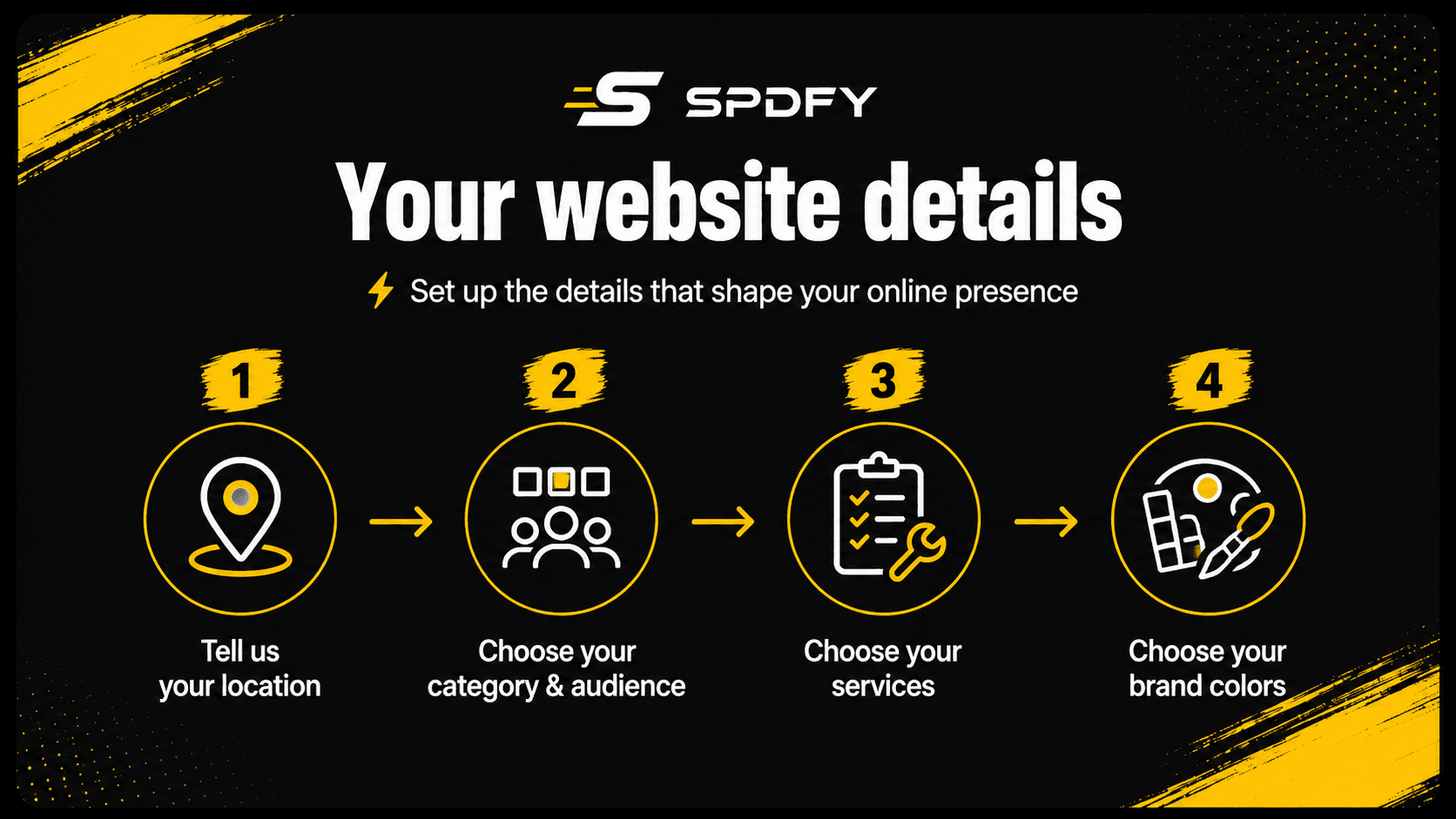
A) Tell us your location
This is where your business is based, or the main area you plan to serve.
For now, all SPDFY needs is your city and state. That gives our system enough context to start shaping your website around your local market.
You'll be able to add more specific location details later, before your site goes live.
B) Category & audience
Next, choose your category and the audience that you normally serve.
Your category tells SPDFY what kind of business you're building. Plumbing, roofing, bathroom conversions, fencing, HVAC, cleaning, landscaping, handyman services, and so on.
Your audience tells SPDFY who your website should speak to.
For most home services businesses, that will be Residential. But if you serve businesses, property managers, builders, landlords, or other commercial clients, you can choose Commercial. If you aim to serve both Residential and Commercial, you can choose both.
These choices help SPDFY create a website specifically tailored to your business and that speaks to your customer appropriately.
C) Select your services
Now, choose the services that you want to be discoverable for.
SPDFY will suggest common services based on the category you selected. Just click on the ones you offer.
For example, a bathroom conversion business might offer:
- Shower Installation
- Bathtub Installation
- Tile Work
- Vanity Installation
- Waterproofing
- Accessibility Features
You don't need to select everything. Just choose the services you actually want to provide.
And if you don't see a service listed, you can add it manually.
These services help shape the first version of your website, including the wording, structure, images, and local search signals around what your business does.
D) Choose a brand color
Finally, choose a primary brand color.
This color is used across your website for buttons, highlights, and key calls-to-action.
Shades of this color will also be used to accent the images that SPDFY creates for your site. For example, clothing or tool colors might have variations of this color.
You don't need to overthink it. Pick something that feels clean, professional, and appropriate for your trade.
This is just the starting point for your website's visual style, and you can adjust it later before launch.
Step 3. Create your account
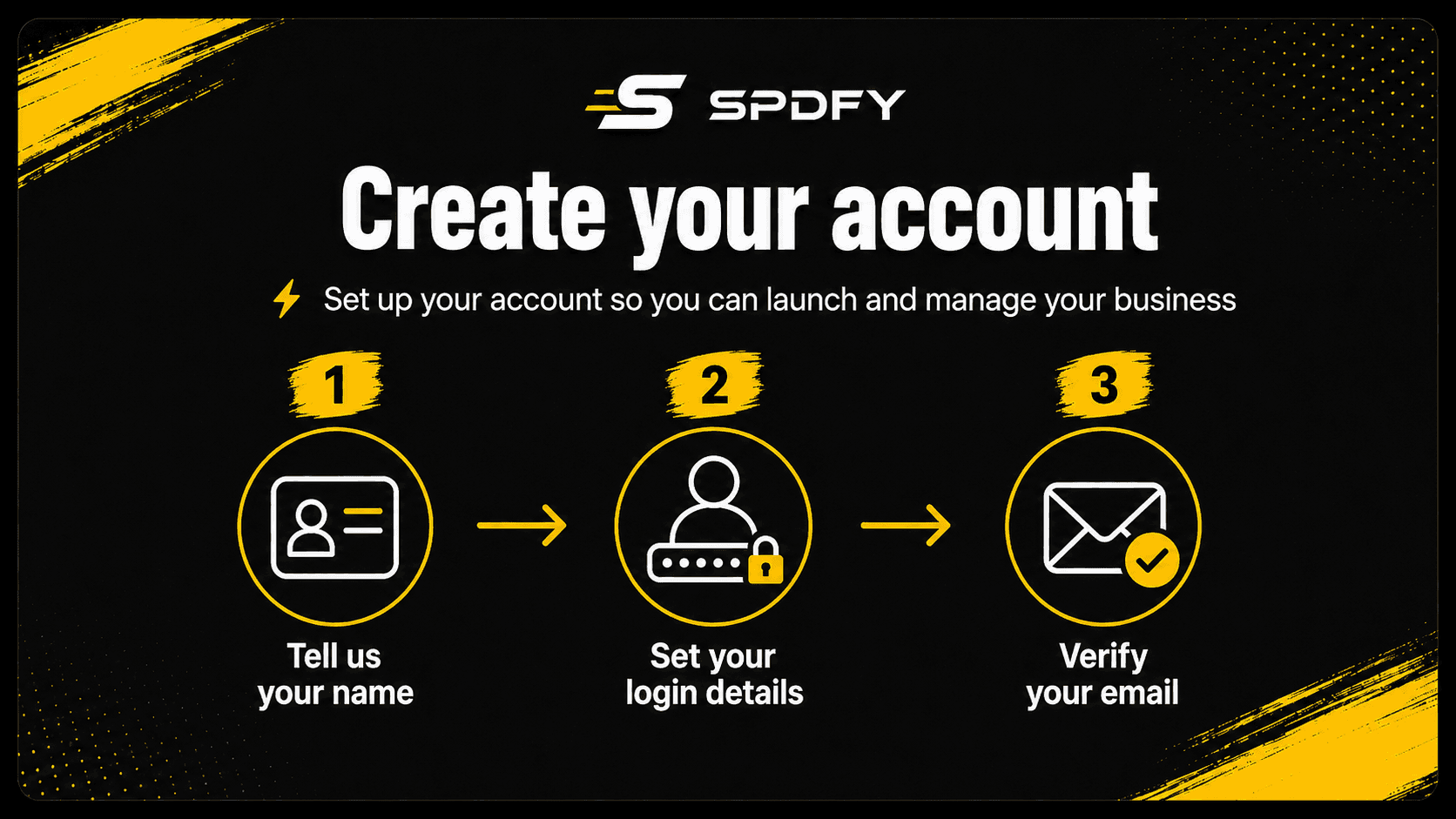
Now, it's time to create your SPDFY account.
This is the step that saves your progress and connects your new business setup to you.
A) Tell us your name
First, enter your name.
This helps us to personalize your account and to keep your business assets connected to you.
B) Set your login details
Next, add your email address and create a password.
This is what you'll use to log back in, manage your setup, review your business details, and access your website and business assets.
C) Verify your email
After creating your account, you'll verify your email address.
This helps us to protect your account and it makes sure we can send important details to your inbox.
Once your email is verified, you're ready for the final and most exciting step:
Choosing your plan and launching your business.
Step 4. Choose plan & launch
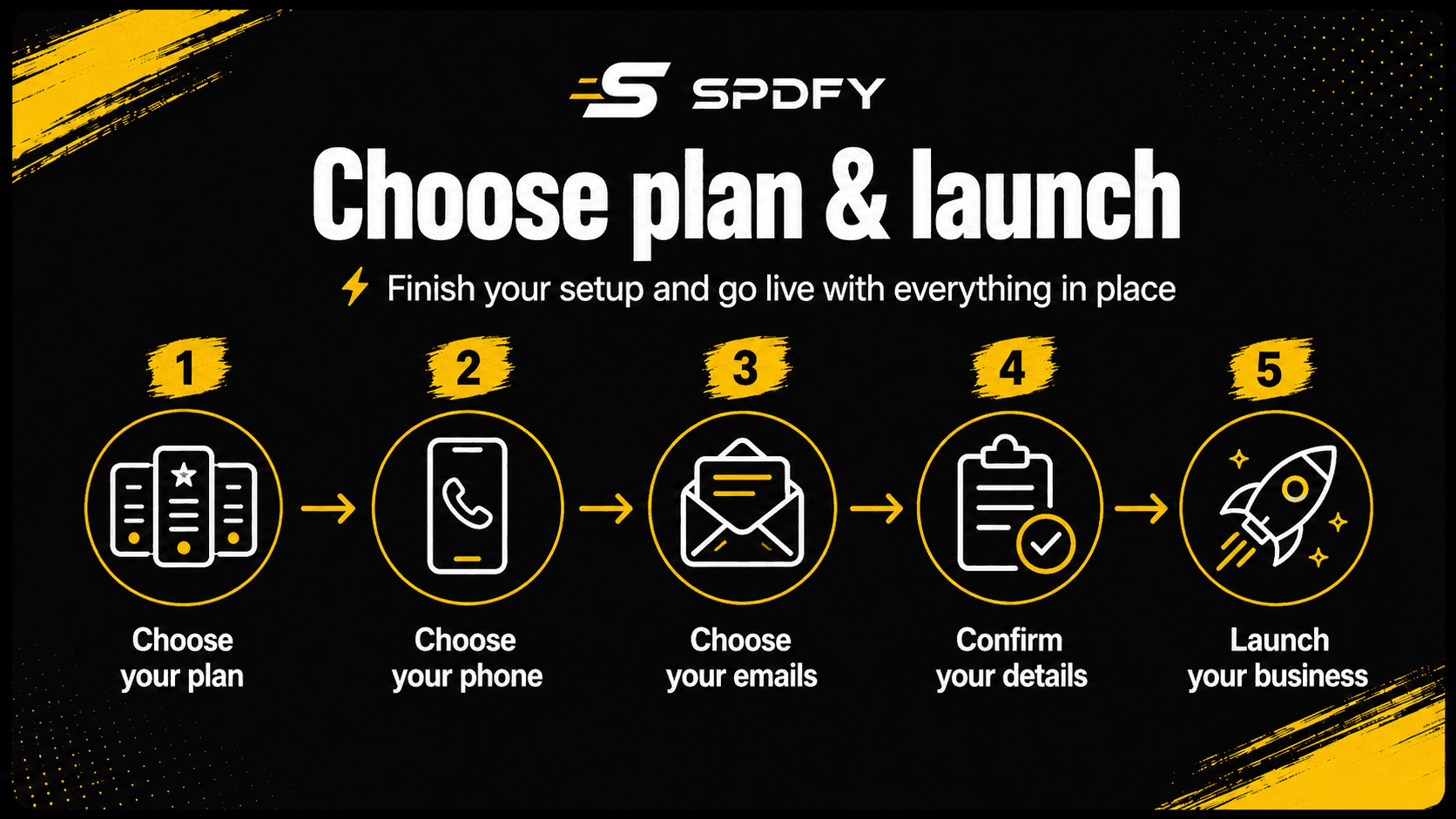
A) Choose your plan
Choose the plan that fits your business.
With SPDFY, there are no setup fees and no agency-style costs or surprises.
Your setup cost is $0 and your entire system runs for $97/mo or $970/yr, which gives you 2 months free.
That includes all of your infrastructure:
Website. Domain. Phone. Email. Hosting. Local SEO optimized content. Call tracking.
Once your plan is active, SPDFY automatically provisions your domain so you can choose your business phone number, set up your email options, and finalize your launch details.
B) Choose your phone
Next, you'll choose the number customers will use to call your business.
You can search for a local number that matches your service area, or choose a toll-free number if that feels like a better fit for your brand.
Your business number is included in your SPDFY plan, so there's no extra monthly charge to hold your number.
Call usage is billed at 19¢ per minute and includes caller intent classification, AI summaries, call transcriptions, and recordings you can download or listen to. That means you can review leads, understand what customers asked for, and keep better track of your conversations.
While choosing your number, you'll enter the phone you want calls forwarded to. That means customers can reach your business without you having to publish your personal number online.
And because your business number stays the same, you can change the forwarding number any time to fit your business growth and needs.
It's a simple way to show up professionally, protect your privacy, and turn every customer call into something you can actually review and use.
C) Choose your emails
After that, you'll choose the email addresses you want to use for your business.
Instead of using a personal Gmail or Yahoo address, you'll likely want to use your own domain.
For example if your domain is yourbusiness.com:
hello@yourbusiness.cominfo@yourbusiness.comservice@yourbusiness.comquotes@yourbusiness.com
This gives your business a more professional first impression when customers reach out.
D) Confirm your details
Before launch, you'll review your business details one more time.
This is where you can confirm your brand name, location, services, contact information, and other launch details.
You'll also have the option to add more specific location information before your site goes live.
A full address is strongly recommended if you have one. If not, adding at least a ZIP code is still better than only listing a general city.
E) Launch your business
Once everything looks right, you're ready to launch.
And once you click the launch button, SPDFY will begin building the first version of your website and preparing your business to be discovered online.
No agency back-and-forth.
No waiting three weeks for a mockup.
No spending months trying to figure out every piece yourself.
Just launched. SPDFY is the launch button for your business, after all.
And it only took 5 minutes of your time. Now you're ready to add your gorgeous new website and pro business phone to your Google Business Profile, Bing Places, and other online directories.